Connecting to Ollama is a very simple process, but sometimes things can appear to not being working depending on if you are using the RealTimeX Desktop.
In general, all RealTimeX instances just need a valid URL to connect to Ollama running anywhere, however there can be some nuances depending on how you are running RealTimeX or Ollama - in any case, all that is needed is a reachable URL to connect to Ollama.
General Troubleshooting
On the RealTimeX Desktop version, the Ollama URL is automatically detected if we can detect it. If the Ollama URL is not detected, you will need to manually set the Ollama URL in the RealTimeX settings.
The list of automatically detected URLs is as follows:
http://127.0.0.1:11434http://172.17.0.1:11434
If your Ollama URL is not detected because it is not in the list above, you will need to manually set the Ollama URL in the RealTimeX settings - which will be shown in the UI for you to modify.
Ensure Ollama server is Running
Before attempting any fixes or URL changes, verify that Ollama is running properly on your device:
- Open your web browser and navigate to
http://127.0.0.1:11434 - You should see a page similar to this:
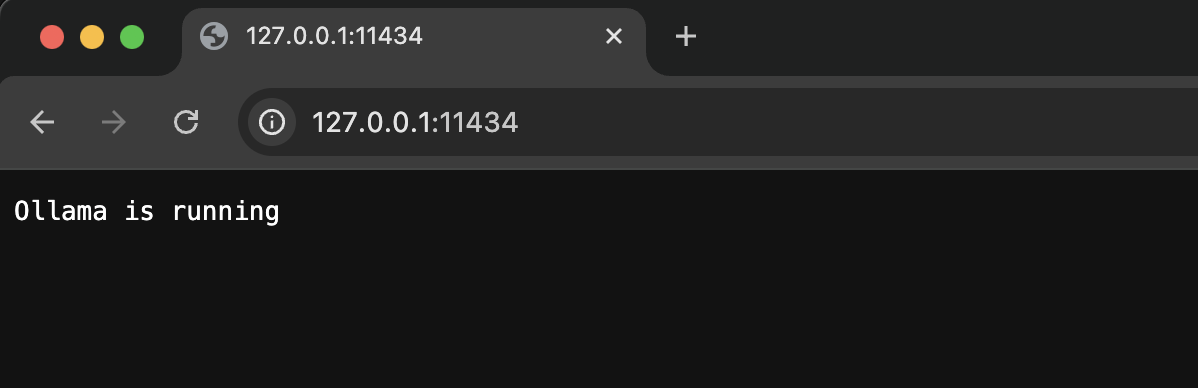
If you don't see this page, troubleshoot your Ollama installation and ensure that it is running properly before moving forward as well as make sure you run the ollama serve command.
Most of the time, Ollama will automatically start the server when ollama is running.
Running ollama run model-name will not start the server - this is only for running models in your command line and you will not be able to use the Ollama API with this command.
RealTimeX Cloud + Local Ollama
You cannot connect to Ollama running on your local machine when using RealTimeX Cloud. This would require you to expose your local machine to the internet long-term via a service like ngrok (opens in a new tab) which is not recommended and not secure.
While it is possible, we do not recommend it and it is your discretion to do so if you understand the security implications of SSH tunneling your local machine to the internet. We will not provide support for any issues related to exposing your local machine to the internet.