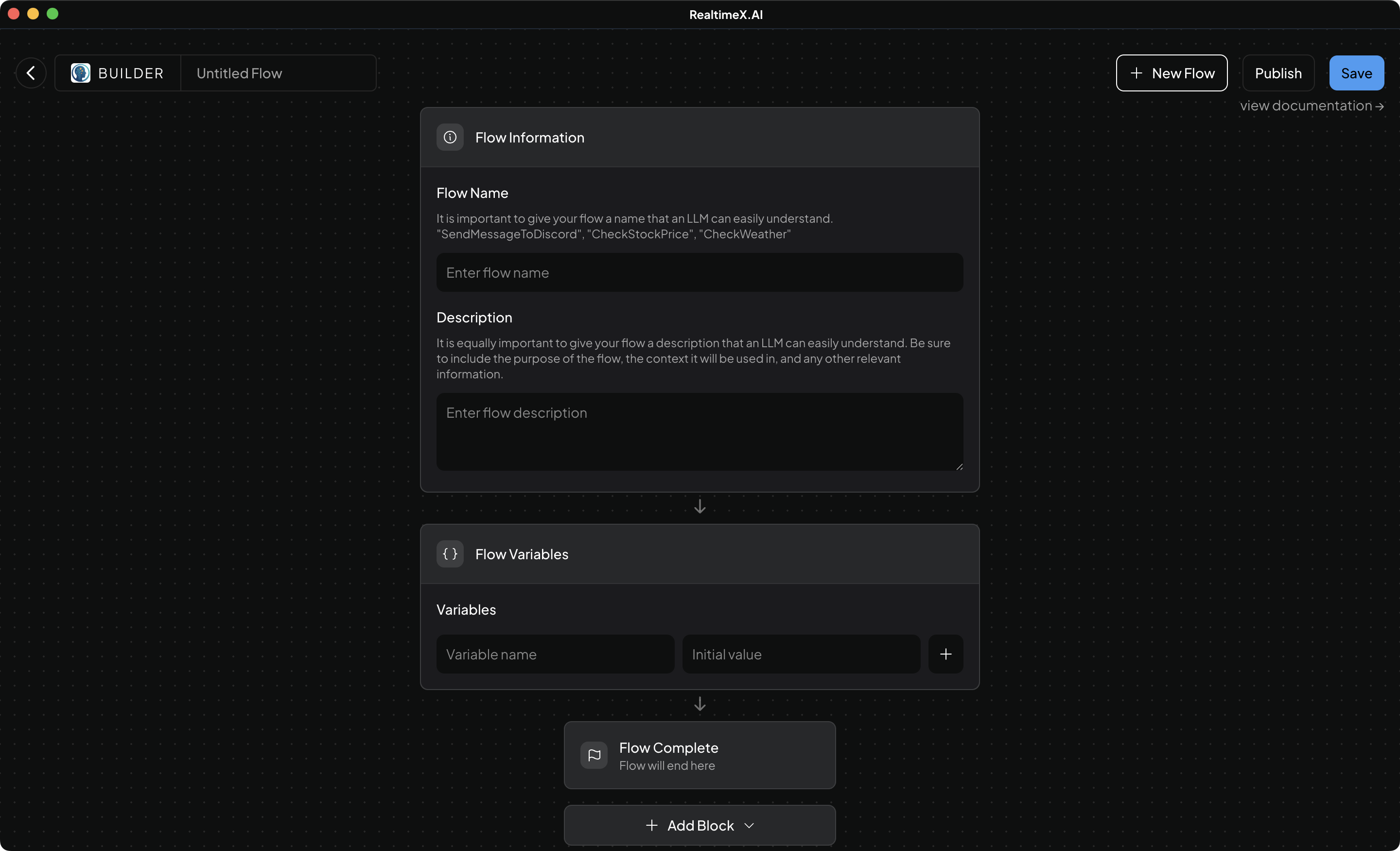
Agent Builder
The Agent Builder is a powerful visual workspace for creating custom AI Agent skills. Using a drag-and-drop interface and an integrated AI Assistant, you can build complex, multi-step automation "Flows" that extend the capabilities of your agents.
Capabilities of the Agent Builder are vast, ranging from simple web searches to complex API orchestrations and local file processing.
Agent Flows vs Custom Skills
In RealTimeX, "Flows" are a simplified, no-code way to build agentic skills compared to the traditional code-based custom agents.
- Agent Builder (Flows): Visual, drag-and-drop, and AI-assisted. Designed for everyone.
- Custom Skills (Code): Built using Javascript/Node.js. Designed for developers who need maximum control.
How to use Built Agents
Agent flows work exactly the same as agent skills, the only difference is the way you build them. You can use agent flows in the same way you use agent skills via the @agent directive or by asking
a relevant question while in an agentic chat.
Agent flows are a very flexible way to build agentic skills and depending on the power of your LLM, you can even expect the LLM to chain multiple flows together to complete a task, or call a series of flows in a row to complete a task.